

The microphone test fails or shows no sound
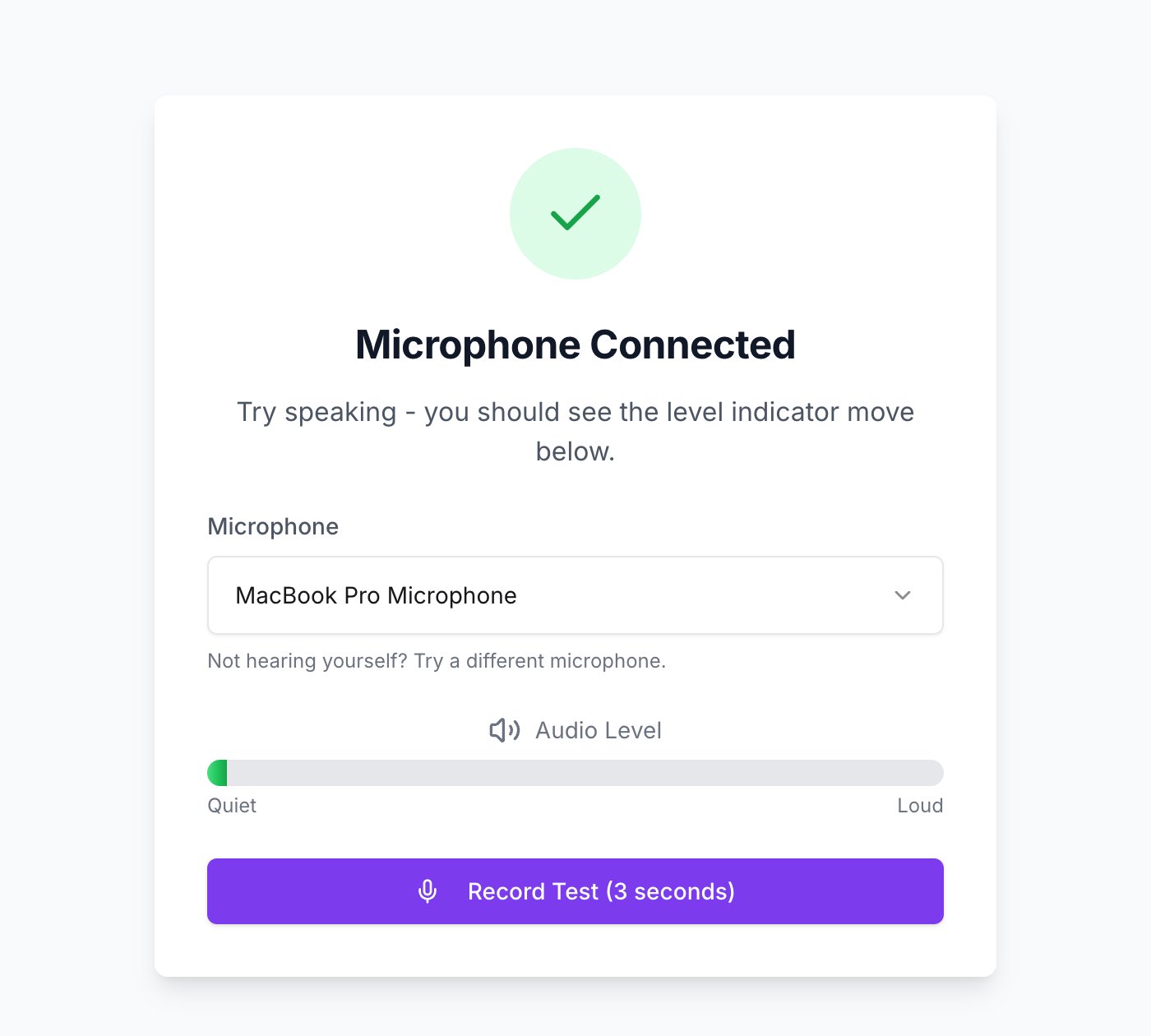
The microphone test. The bar should move when you speak.
Allow microphone access
Allow microphone access
Your browser asks for permission when the test starts. If you dismissed that prompt, look for a small microphone or camera icon in the address bar, set it to allow, then reload the page.
Choose the right microphone
Choose the right microphone
If you have more than one, for example a headset and a built-in mic, the test lets you pick. Select the one you are actually speaking into.
Close other apps using the microphone
Close other apps using the microphone
Video call apps often hold on to the microphone. Quit them fully and reload.
Try a different browser
Try a different browser
A recent version of Chrome, Edge or Safari works best.
I cannot hear the sound check or a recording
- Turn the volume up and check your device is not muted.
- Choose your speakers. On a computer, the sound check lets you pick which speakers or headphones to use where your browser allows it.
- On a phone or in Safari, sound goes wherever your device sends it. Check your Bluetooth and sound settings.
My link does not work
I lost connection partway through
Open your original link again. You will return to where you were. Answers you already submitted are saved.Can I retake it?
Not on the same link, and individual answers cannot be re-recorded. This keeps conditions the same for everyone. If something went genuinely wrong, such as a broken microphone or a power cut, contact the company that invited you and ask for a new invitation.Evalingo cannot issue you a new link directly. Assessments belong to the organization that invited you, so they are the right people to ask.