

Listening is available in English and German, and always uses Evalingo’s own questions and recordings. It cannot draw from a question library of your own.
Before the first recording
Candidates run a short sound check first. Where their browser allows it, they can choose which speakers or headphones to use. Listening cannot be done by reading instead, so a candidate who cannot hear the sample is warned before they go on.The two parts
Part 1: Short clips
Eight short clips with one question each. Everyone hears the same level of material here, pitched between A2 and B2.Part 2: Longer recordings
Three longer recordings with four questions each. Which recordings a candidate gets depends on how Part 1 went: easier, middle or harder material. That keeps a strong listener from sitting through slow, simple speech, and a weaker one from guessing through recordings far above their level. Every answer from both parts counts towards the result.How a listening screen works
1
Read the questions
The candidate gets time to read the questions before the recording starts. If they are ready sooner, they can choose Play now.
2
Listen
The recording plays. Conversations use a different voice for each speaker, and the pace matches the level: slow and clear at the lower levels, close to natural speed at the top.
3
Listen again (optional)
Each recording plays twice. The second play is the candidate’s choice.
4
Answer and move on
There is no countdown on a listening screen. The limit is two plays, and the candidate presses Next when ready.
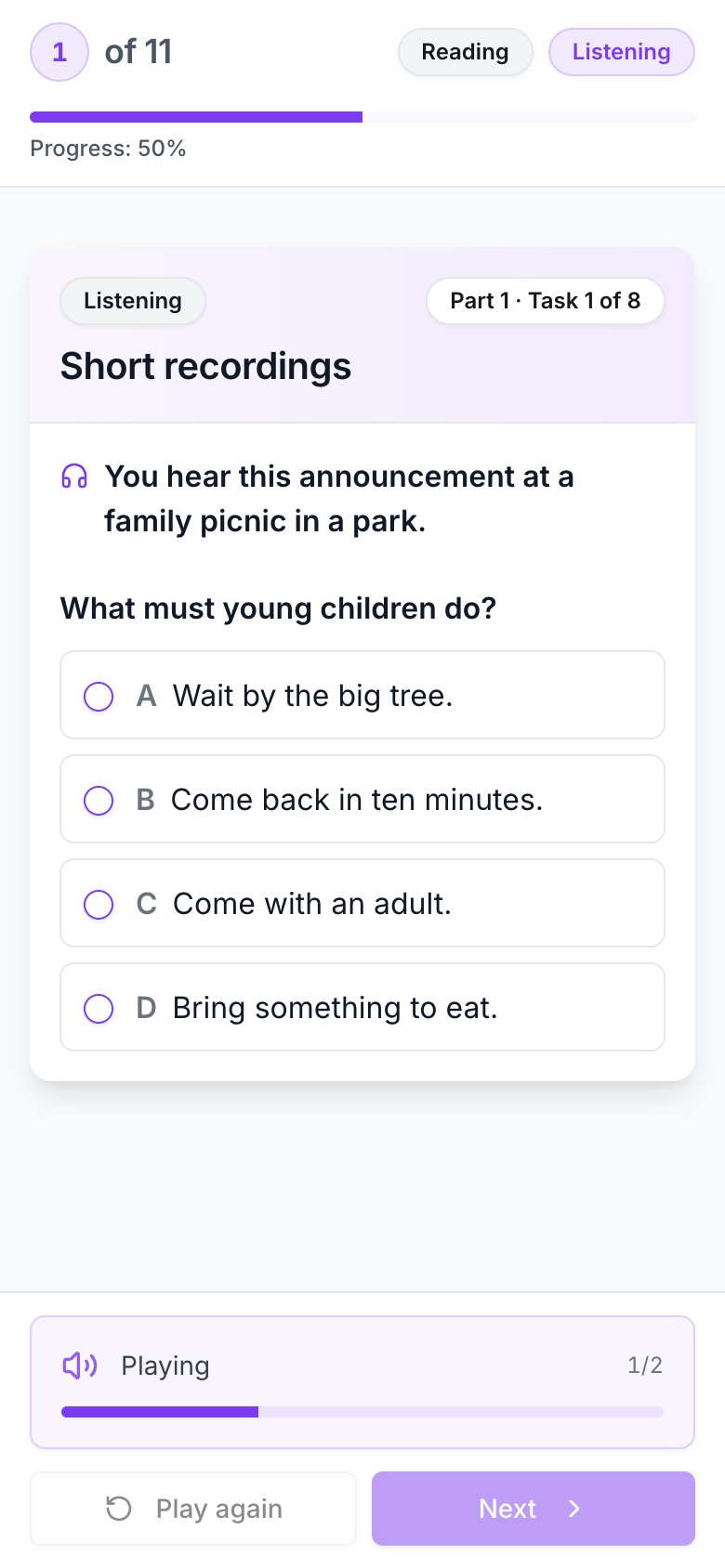
A listening screen on a phone, during the first of two plays.
Things worth knowing
- Next locks a screen. Once a candidate moves on, they cannot go back and change answers.
- Results are instant. Every question has one correct answer, so there is no wait for scoring.
- Random clicking is caught. Answers that cannot be told apart from guessing, or screens answered faster than the recording could be heard, are reported as Not assessable rather than given a level.
- Extra time lengthens the reading time before each recording. It never speeds up or slows down the audio. See inviting candidates.