

Reading is available in English and German, and always uses Evalingo’s own questions. It cannot draw from a question library of your own.
The two parts
Part 1: Short texts (5 minutes)
Eight short texts, such as a notice, a message or a short paragraph, with one question each. Everyone gets the same level of material here, pitched between A2 and B2.Part 2: Passages (8 to 10 minutes)
Three longer passages with four questions each. Which passages a candidate gets depends on how Part 1 went: easier, middle or harder material. That keeps a strong reader from sitting through easy texts, and a weaker one from guessing through passages far above their level. Part 2’s clock starts when the candidate presses Continue on its introduction, not when Part 1 ends, so reading the introduction does not cost answering time. Every answer from both parts counts towards the result.On a computer and on a phone
On a computer, the passage sits beside its questions. On a phone, the passage is above and the questions below, one at a time, with an Expand button to read the passage full screen. On either, the − and + buttons above a passage change its text size.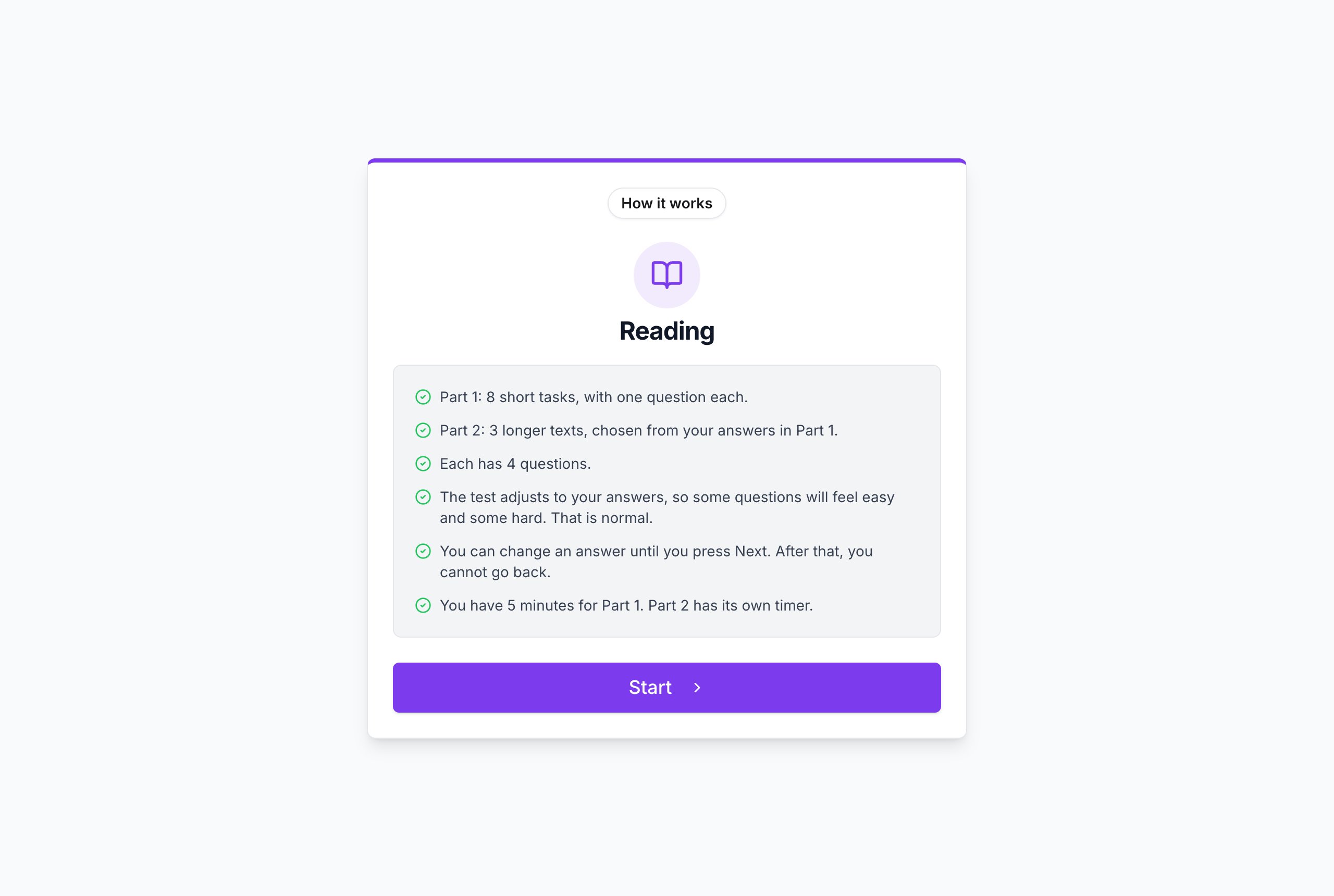
A Part 2 passage on a computer. Questions about a particular phrase highlight it in the text.
Things worth knowing
- Each part has a countdown. When it runs out, the part ends and unanswered questions count as wrong.
- Next locks a screen. Once a candidate moves on, they cannot go back and change answers.
- Results are instant. Every question has one correct answer, so there is no wait for scoring.
- Random clicking is caught. Answers that cannot be told apart from guessing, or screens answered faster than the text could be read, are reported as Not assessable rather than given a level.
- Extra time stretches both parts’ clocks. See inviting candidates.